




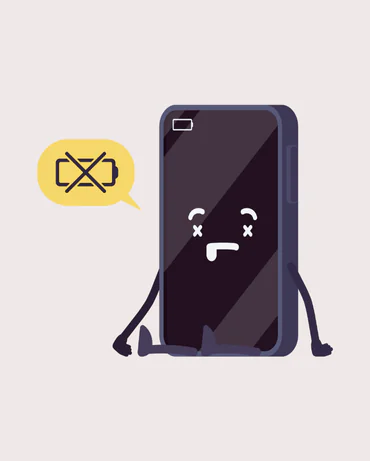
How to Extend Your iPhone’s Battery Life: The Best Tips!

Do you often find yourself with a battery of the iPhone downloads just when you need it the most? Don't worry! With a few simple trick, you can extend the life and preserve the health of your battery. Here are the most useful tips for optimizing your iPhone and it will keep loading for a long time.

  1. Avoid Extreme Temperatures
    The iPhone does not tolerate neither the heat nor the cold hard. Extreme temperatures can shorten the life of the battery. Try to keep the device in a cool and never under the direct sun (especially in a car in summer!). Protect the iPhone from the heat and from the cold helps to prevent the deterioration of the battery.
  2. Upload Moderate: The Key to a Healthy Battery
    Charge your iPhone throughout the night is not ideal. Even if the modern devices have protection systems, the optimum load to preserve the battery is located between the 20% and 80%. Avoid, then, to fully discharge the battery and charge it to 100% too often.
  3. Activate Power-Saving Mode
    If the battery is low and you need to extend the duration, the active Power Saving mode. This function restricts background activity and temporarily reduces some of the functions to extend the battery life.
  4. Check the Apps that Consume the Most
    Some apps can absorb a lot of energy, even when you're not using them actively. Go to Settings > Battery and check which apps are consuming the most charge. Close the apps that are not needed can make a big difference in the life of the battery.
  5. Update iOS with Caution
    Updates to iOS often include improvements to the management of the battery. However, on older models, some updates may affect performance. Always check reviews to make sure that the new update will not slow down your device before proceeding.
  6. Turn off Functions Not Needed
    Functions such as animations, vibrations, and high brightness can consume a lot of battery. Lowers the screen brightness and turn off automatic updating of the app in the background to save energy. By doing so, your iPhone and your battery will thank you!

By following these tips, you will be able to lengthen the life of the battery of your iPhone and use it without worry that it discharges in moments less appropriate. For more tips, stay up to date with us on Tech-Away!